Full version / IMAGE PLUG-IN
Halftone
Flexible halftone patterns with custom shapes, grids and rotation.
Download & availability Original manual ↗
Archive noticeVanDerLee plug-ins are no longer sold or supported. The information below describes the original release and may not apply to current software.
PRODUCT ARCHIVE
Examples
Original example notes
| Example | Description | |
|---|---|---|
Before |
After |
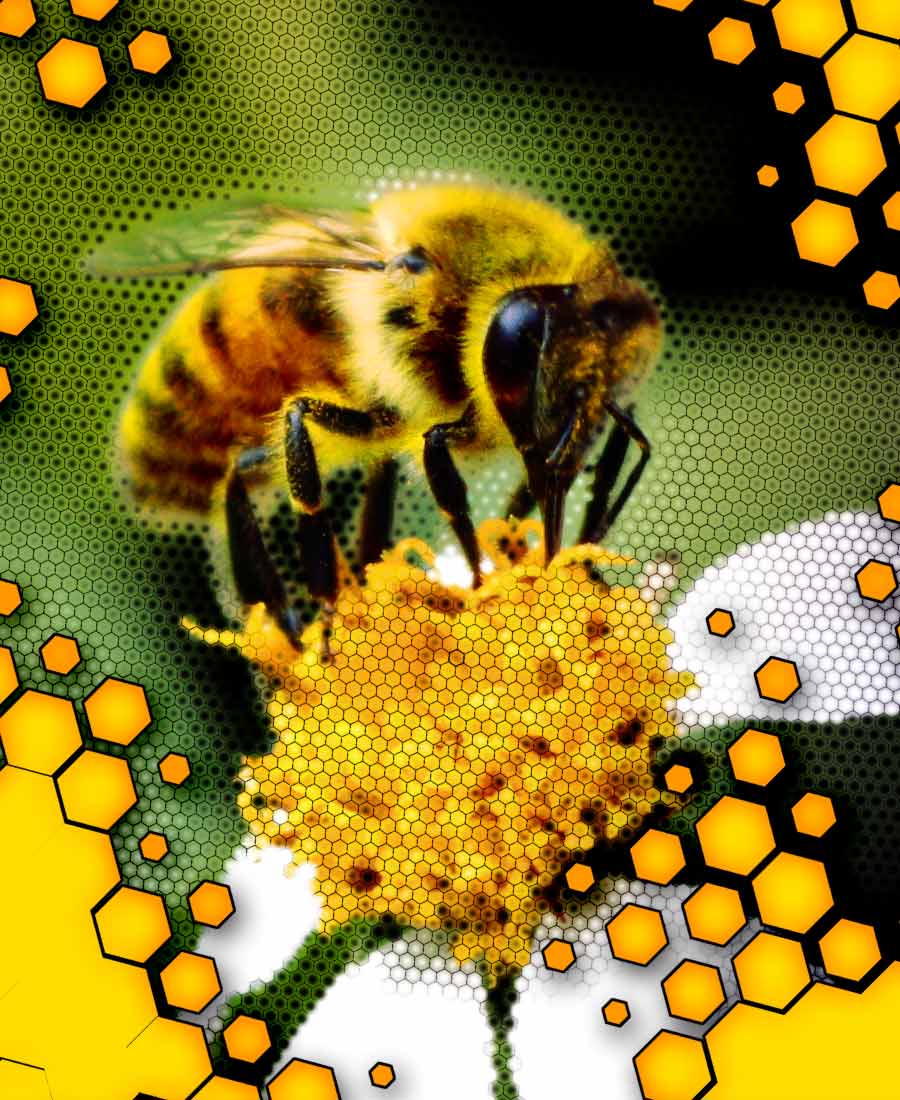
Demonstrating multiple layers of dots using only the custom shape
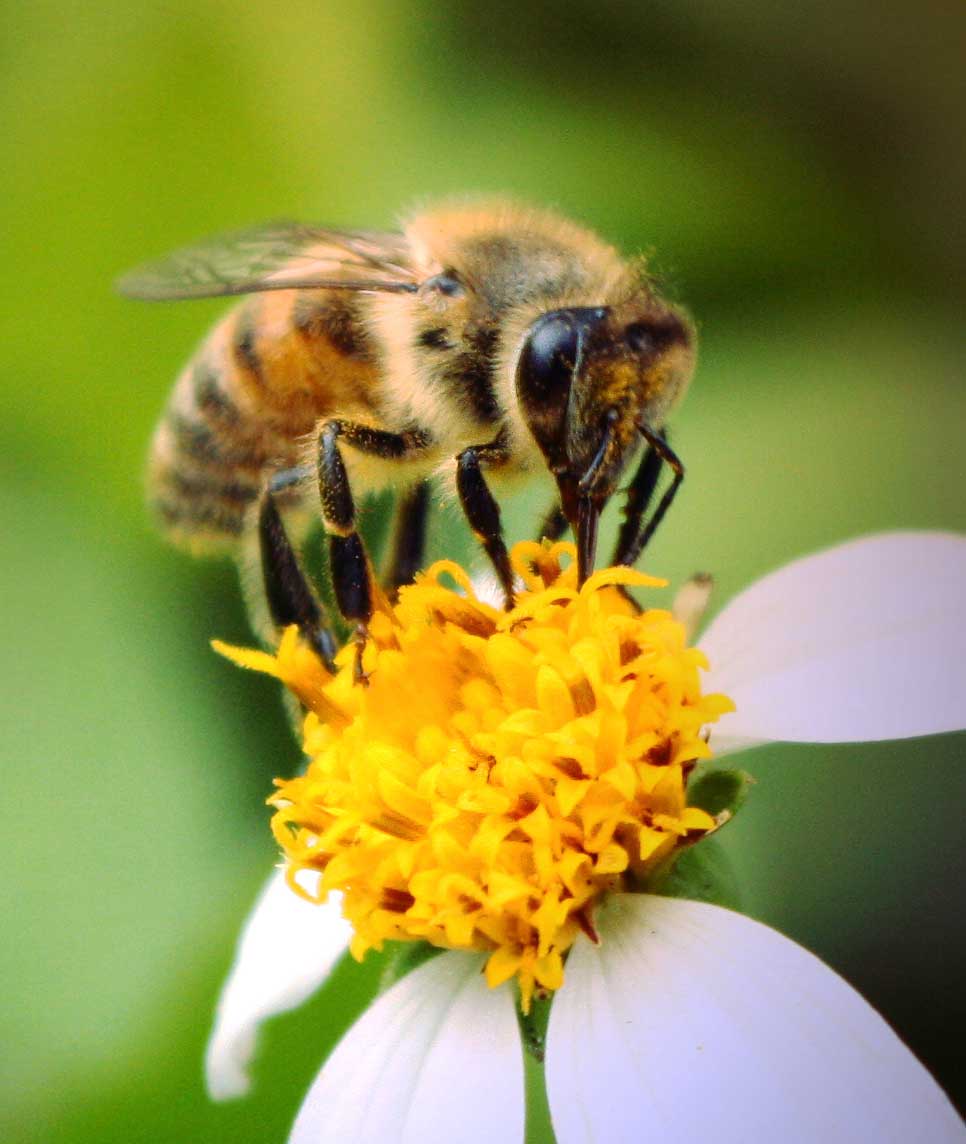
"hexagon" supplied with Halftone™, all using the triangle grid layout mode. The big honeycomb was created in two layers with identical settings except brightness of the source image, which results in smaller and bigger "dots. A specially created image was used as source for these dots. The layer of honeycomb lines was created by cutting hexagons (this time using the "solid" source mode) from a solid black layer. The white and black shading was done using the same settings but using the image as source. White shading used an inverted image and inverted dot colors. Both shading layers were blurred slightly. |
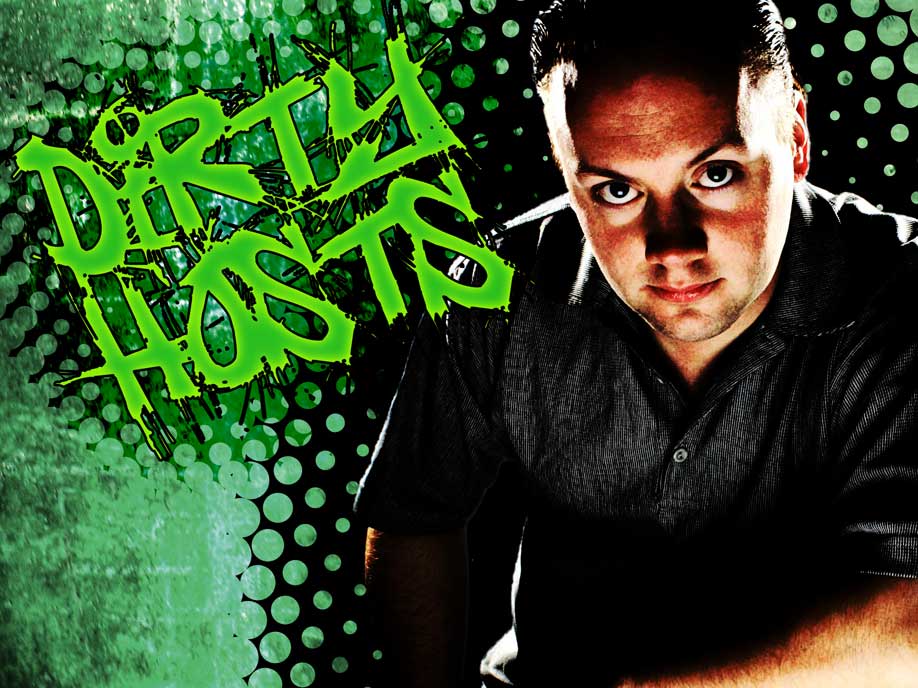
| A composition of several heavily processed photographs with Halftone used to create the halftone "outlines" of the person and the text. | ||
Before |
After |
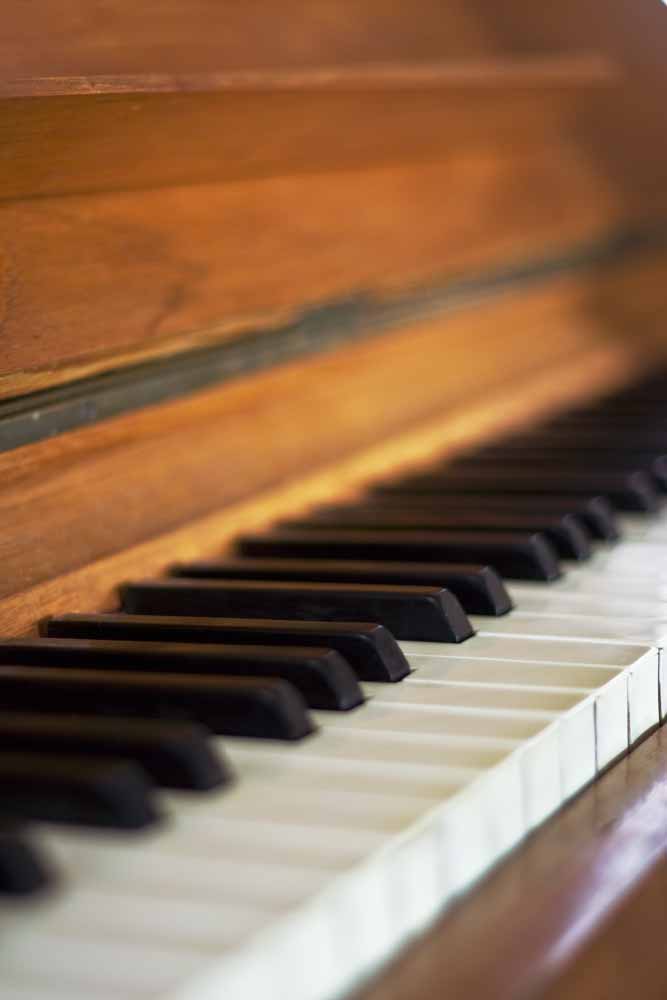
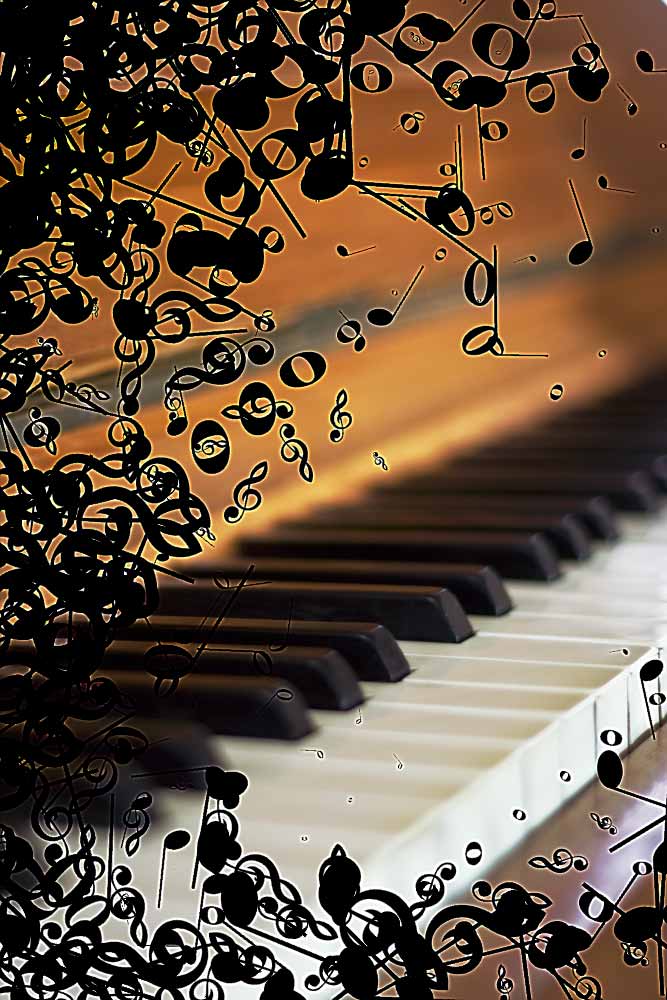
Four separate layers of music-themed custom shapes (a clef and three notes), applied with full shape-rotation jitter and random mirroring. Each layers was individually hand-drawn to encircle the piano keyboard. |
Before |
After |
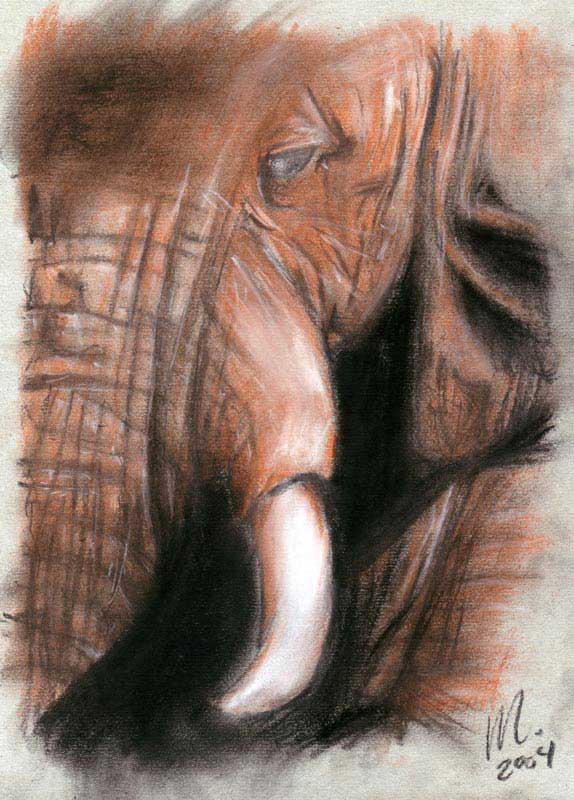
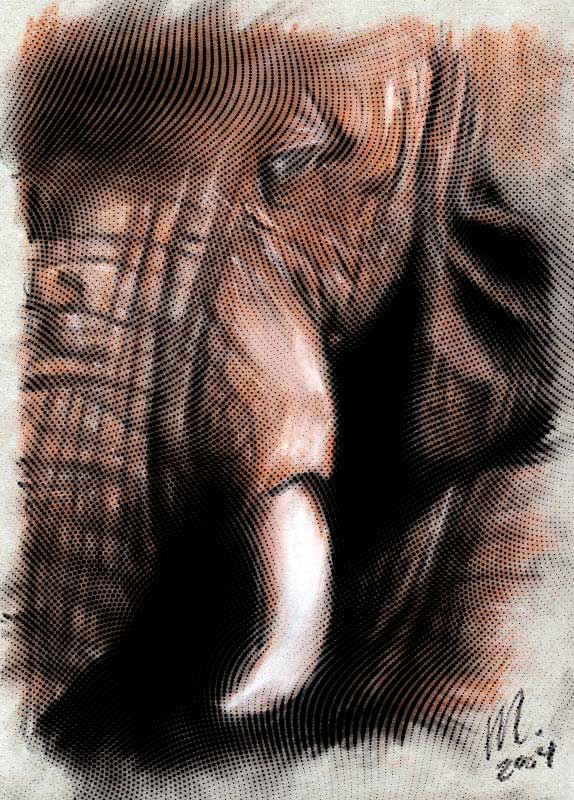
Fine-tuned radial waves and "source image" background mode to show a pattern of simple dots that seem to follow the skin of the elephant in this drawing. |
Before |
After |
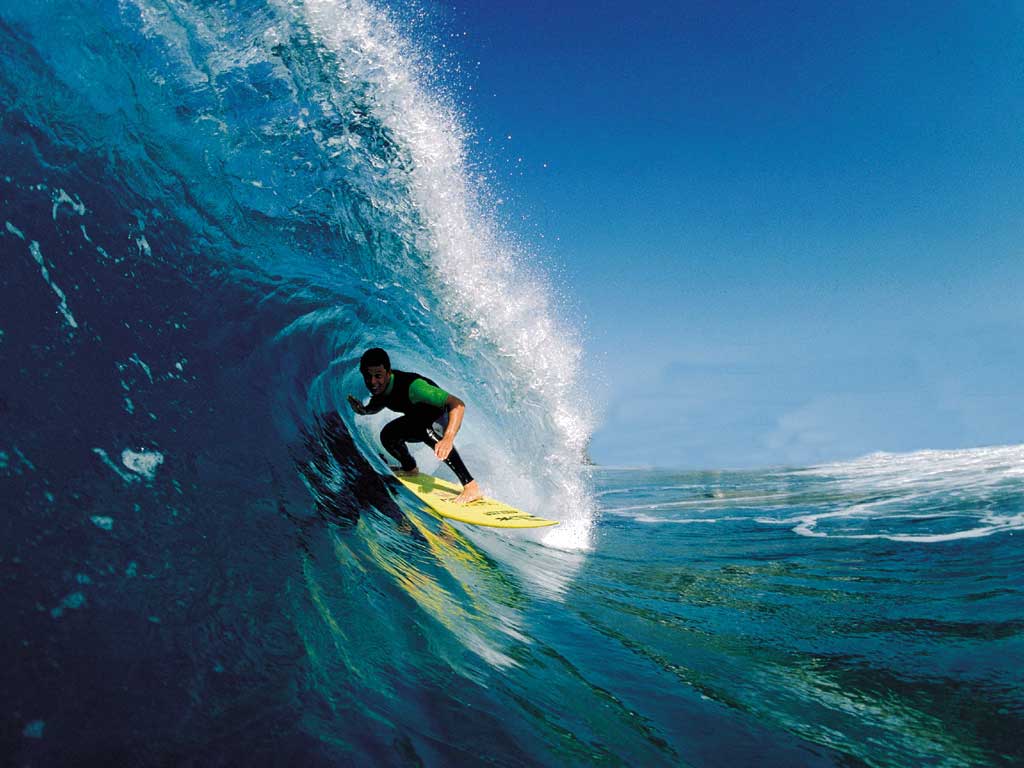
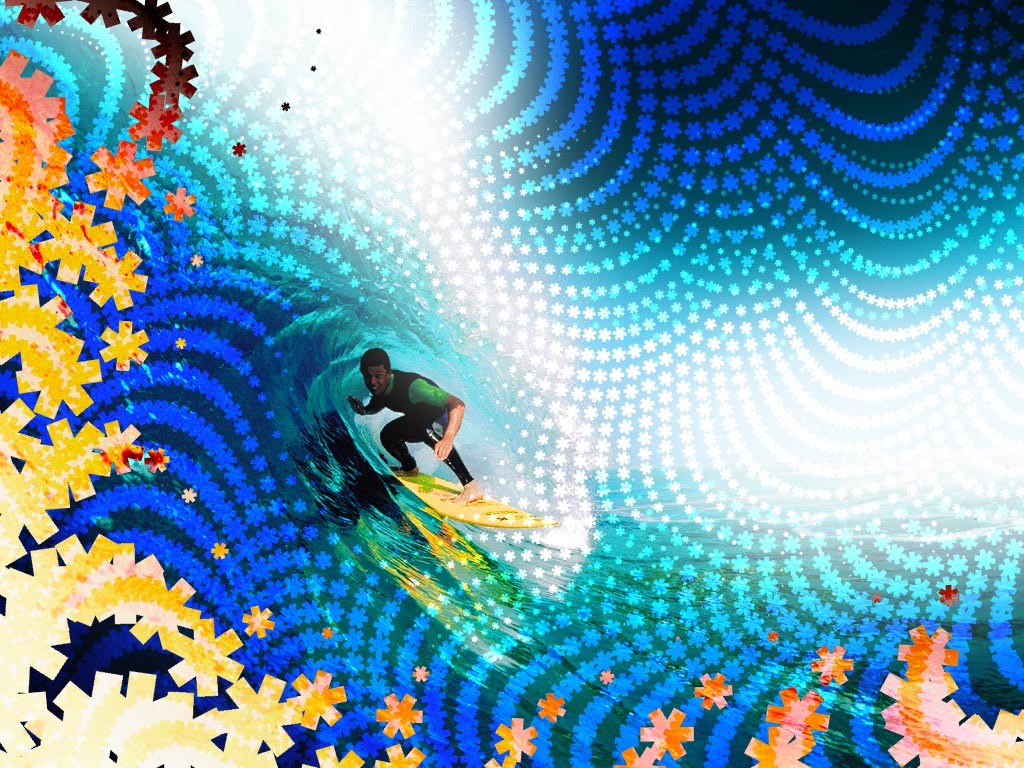
The most effective custom shapes are simple and have no unnecessary detail. This surfer image demonstrates how applying three independant layers of a simple shape but with different settings can create unique designs. |
Before |
After |
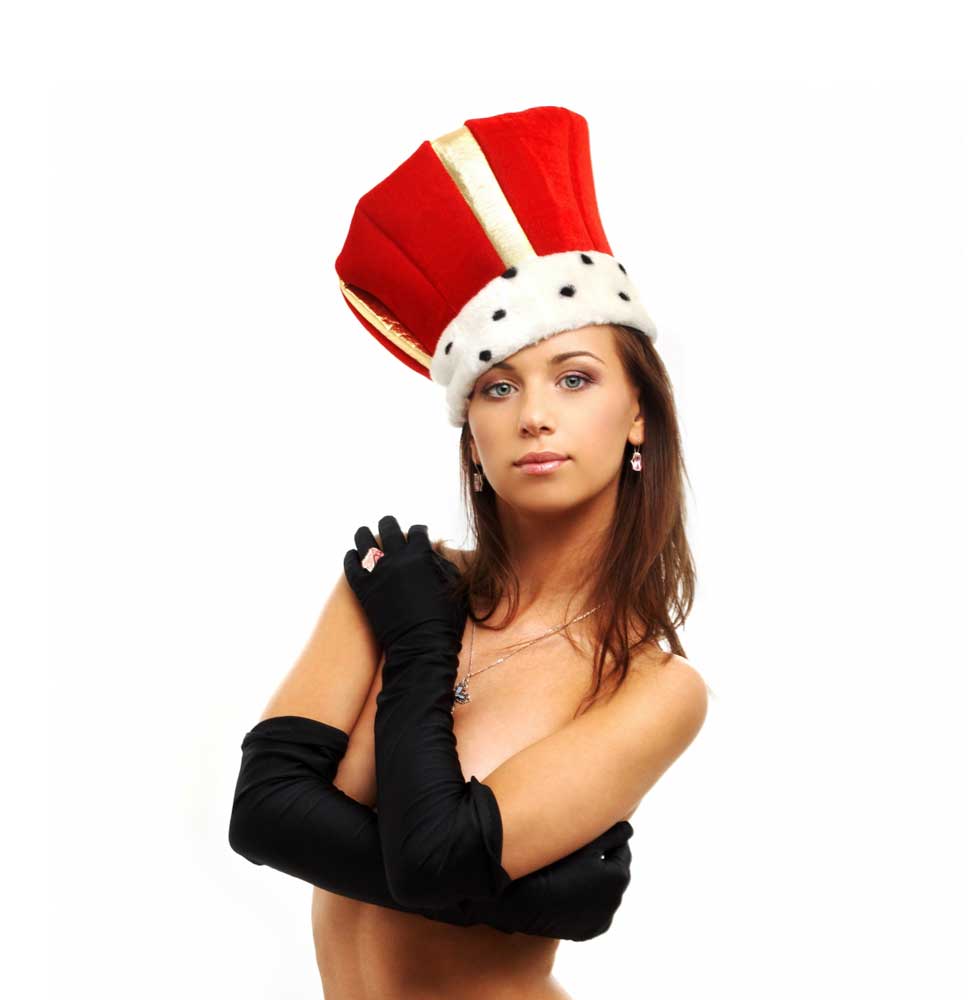
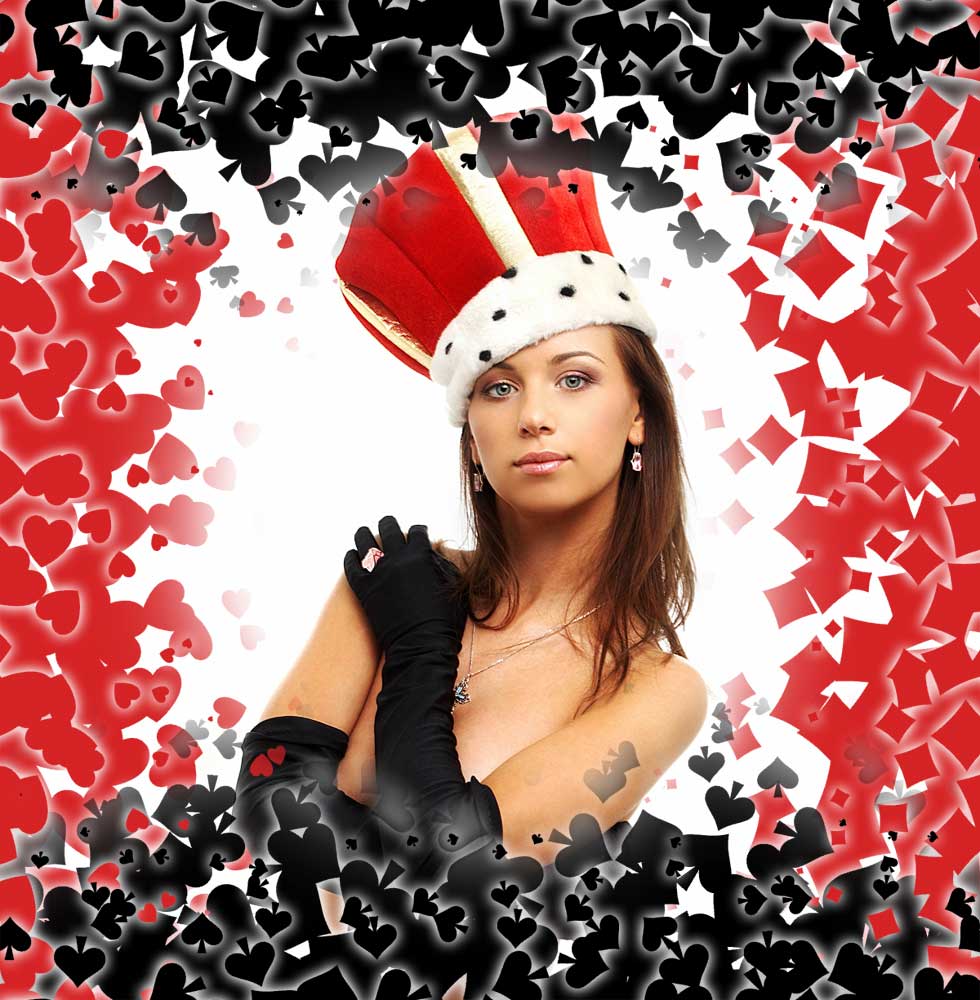
Use of the four card suit shapes included with Halftone on eight different gradient layers to create a complex border. The corners of the layers are erased using a very soft brush and the some parts of the inside is erased to remove some dots at unwanted locations. |
Before |
After |
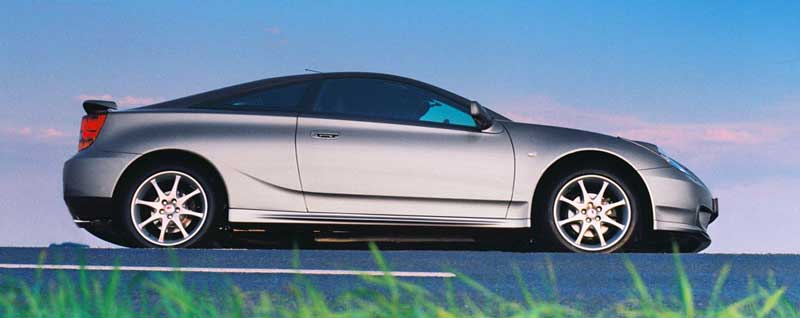
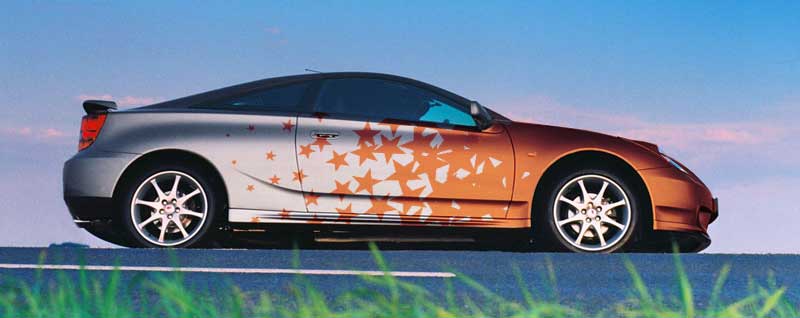
Pentagram custom shape with high rotational jitter and 50% placement
jitter applied to a gradient image with transparency for the background. The resulting image was then cut and transformed to more closely match the shape of the car and mixed using Linear Burn. Areas outside the "painted" area were erased by hand afterwards. Copper color was set afterwards by filling the halftone layer whilst preserving transparency. |
Before |
After |
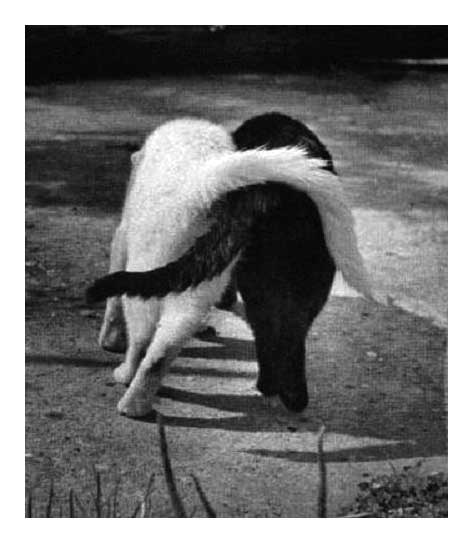
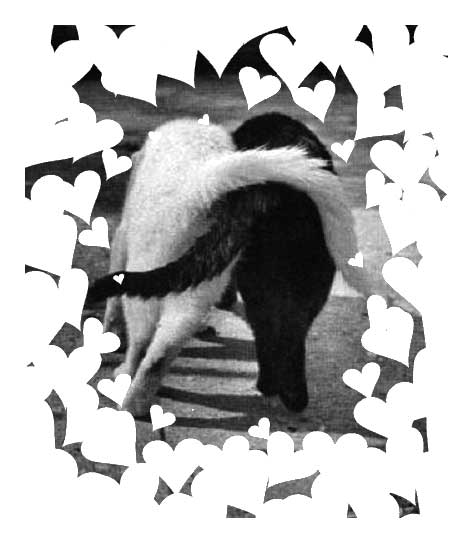
Custom shape applied to a gradient image (blurred white
box in black border) with rotational jitter and background transparency. |
Before |
After |
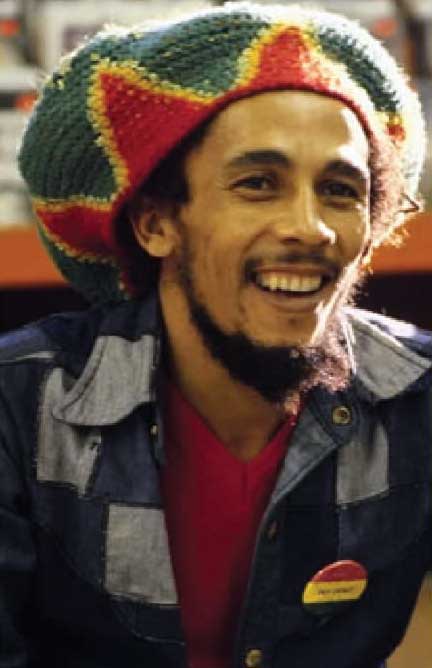
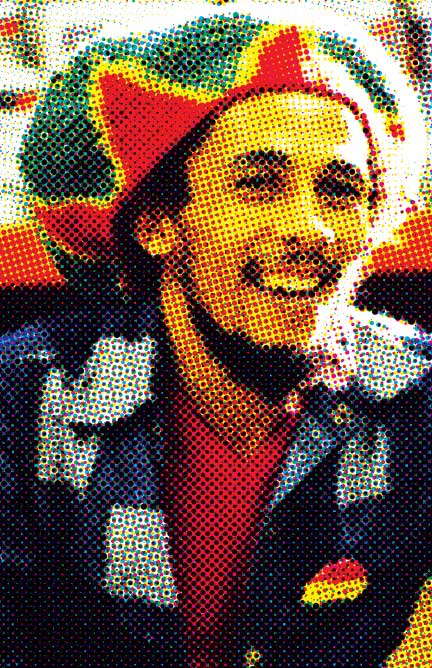
Print/press CMYK halftone dithering effect. Applied a standard halftone effect to the independent color channels of a CMYK image. Using 15� rotation for Cyan, 75� for Magenta, 90� for Yellow and 45� for Black (K). These are the same angles as used in printers for color images. |
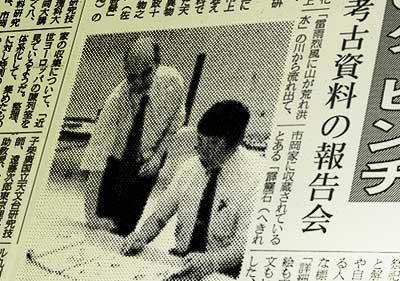
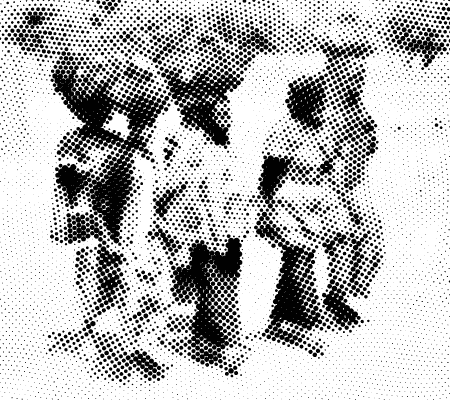
| A simple grayscale photo processed using the default settings and pasted into a scanned newspaper layout. | ||
Before |
After |
Identical halftone effect using default circles shape, applied to the
independent color channels of an RGB image with 30� rotation steps
starting from 15�. Similar to common print/press halftone dithering, but here applied to the additive RGB color model for novelty value. |
| This example demonstrates several of the deformations available in
Halftone. The orthogonal waves are most apparent in this example. |
||
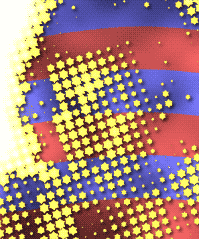
| Custom star shape applied twice (at different sizes) to a girls' portrait. Due to a transparent background the star pattern could be layered on top of a flag design using a shadow effect layer. | ||
Click on a thumbnail to view full-size.